Jump into the rhythm with the FNF VS Meowl Mobile Mod—choose to play online for an instant challenge or download the official V-Slice folders for your FNF Mobile collection.
Download FNF VS Meowl Mobile Mod
More FNF Mobile Mods




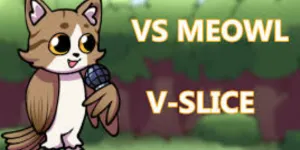
| Feature | Detail |
| Main Opponent | Meowl |
| Latest Version | 1 |
| Engine | V-Slice |
| Platforms | Mobile / PC |
| File Size | [DOWNLOAD_URL] |
How to Install FNF VS Meowl on Mobile
Here are the basics to set up this FNF Mobile Mod:
- Tap the download button above to get the
.zip. - Use your phone’s Files app (or ZArchiver on Android) to unzip it into a new folder.
- Move that folder into your FNF Mobile
modsdirectory. - Close and restart the game — the mod should appear.
Need more help? See the full step-by-step install guide.
What is the FNF VS Meowl Mod?
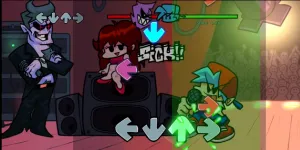
The FNF VS Meowl Mobile Mod introduces a fresh character to the Friday Night Funkin’ universe, optimized specifically for the V-Slice engine. Players can enjoy smooth animations and custom charts that highlight Meowl’s unique personality and musical style. Whether you prefer to play online through your browser or download the assets for local play, this Mobile Mod delivers a high-quality experience on any handheld device. The mod features vibrant art and engaging rhythm gameplay that expands the ever-growing FNF Mobile library.
FNF VS Meowl Video Showcase
Mod Credits
- Key Author: Lumixy1
- Original Author: SolvionArtisk